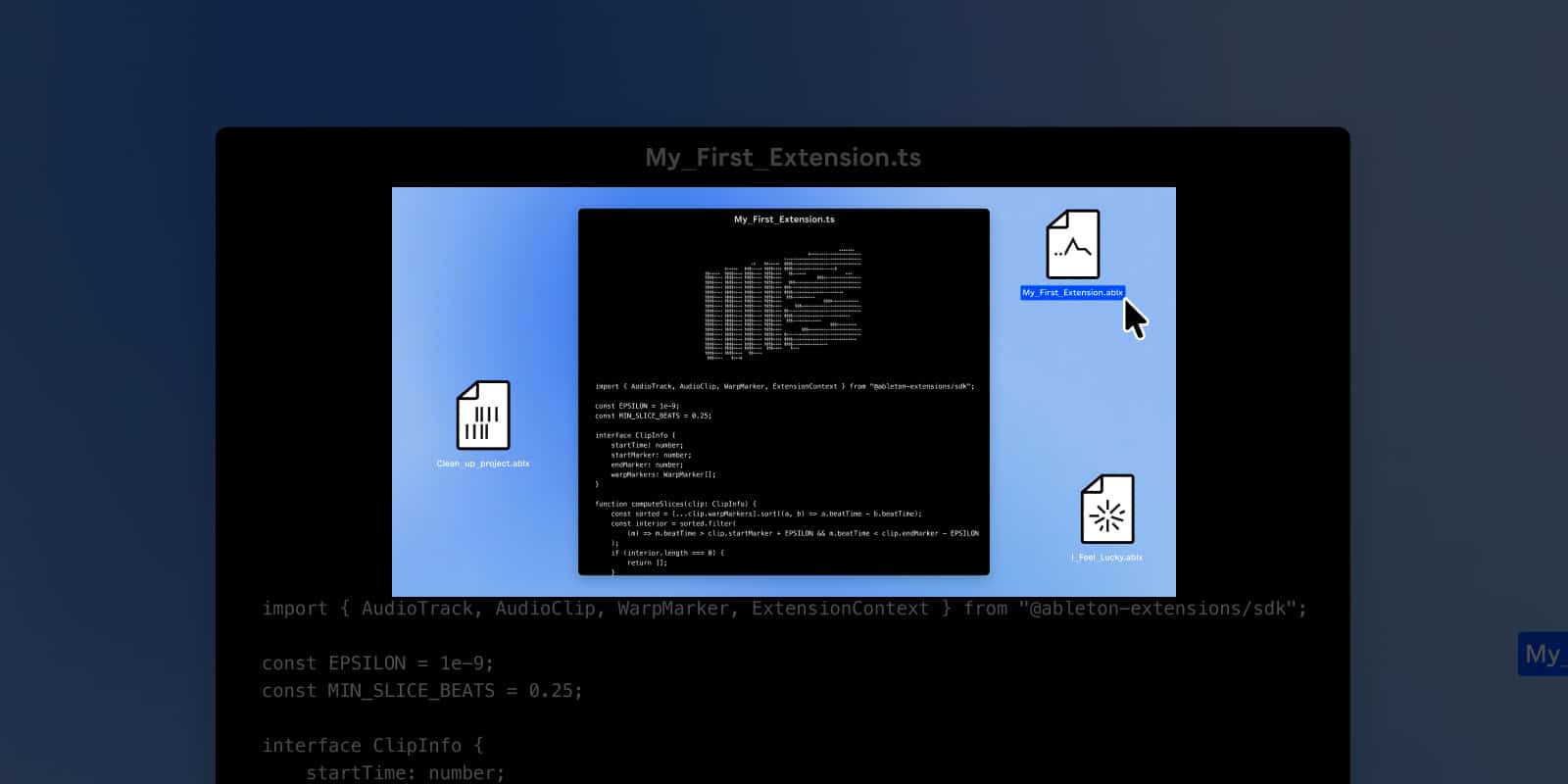
Ableton today launches the public beta of its new Extensions Software Development Kit (SDK)
– an open JavaScript toolkit allowing anyone to create custom tools that expand the possibilities inside Ableton Live Suite.
Available now as a free download from Ableton.com, the kit is the starting point for a collaborative development process, shaped by community feedback, experimentation and real-world use.
What are Extensions?
Extensions are optional add-on tools that run alongside Live and can be accessed with a right-click from anywhere in your Set. They can read and edit the structure of your Set – including tracks, clips, parameters, automation and more.
Using the Extensions SDK, you can create tools that analyze, visualize, and reorganize your Live projects, automate the most repetitive parts of your process, spark or scramble ideas, and connect Live to entirely new services and systems. Some Extensions will help you move faster. Others might slow you down in just the right way.
How you build them
Creating an Extension with the SDK is easy. Using familiar web technologies and shared ideas, it’s possible to go from a rough concept to a working tool quickly. Like making music, the results don’t need to be perfect to be interesting.
The Extensions SDK opens up more than just Ableton-approved creative tools. Any developer can build an Extension under the Ableton SDK license: tools that may surprise us, challenge us, and do things we never expected. Ableton is not responsible for unofficial Extensions.
Please hack responsibly.
Where can you can find them
Ableton’s Discord Server welcomes community contributions, with a dedicated space for sharing, discussing and collaborating on Extensions. Take a look at the
Explore section of the Extensions page for a few first examples to use as idea starters.
Pricing and availability
The Extensions SDK is available for free via Ableton.com. Live 12 Suite users can join the beta program and download the Live 12.4.5 beta to get started.